Edit
Ask for the cut. The agent reads your footage, makes the edit, and leaves every clip on the timeline for you to move.
Replaces
 Premiere
 DaVinci Resolve
 Final Cut
 Descript
 HyperFrames
Your footage, your edit and your review notes live in one place.

 agents.
Ask for the cut. The agent reads your footage, makes the edit, and leaves every clip on the timeline for you to move.
PremiereDaVinci ResolveFinal CutDescriptHyperFramesYour footage lives in Kino. Terabytes scrub locally, and every clip is transcribed, described, and searchable.
 Shade
 LucidLink
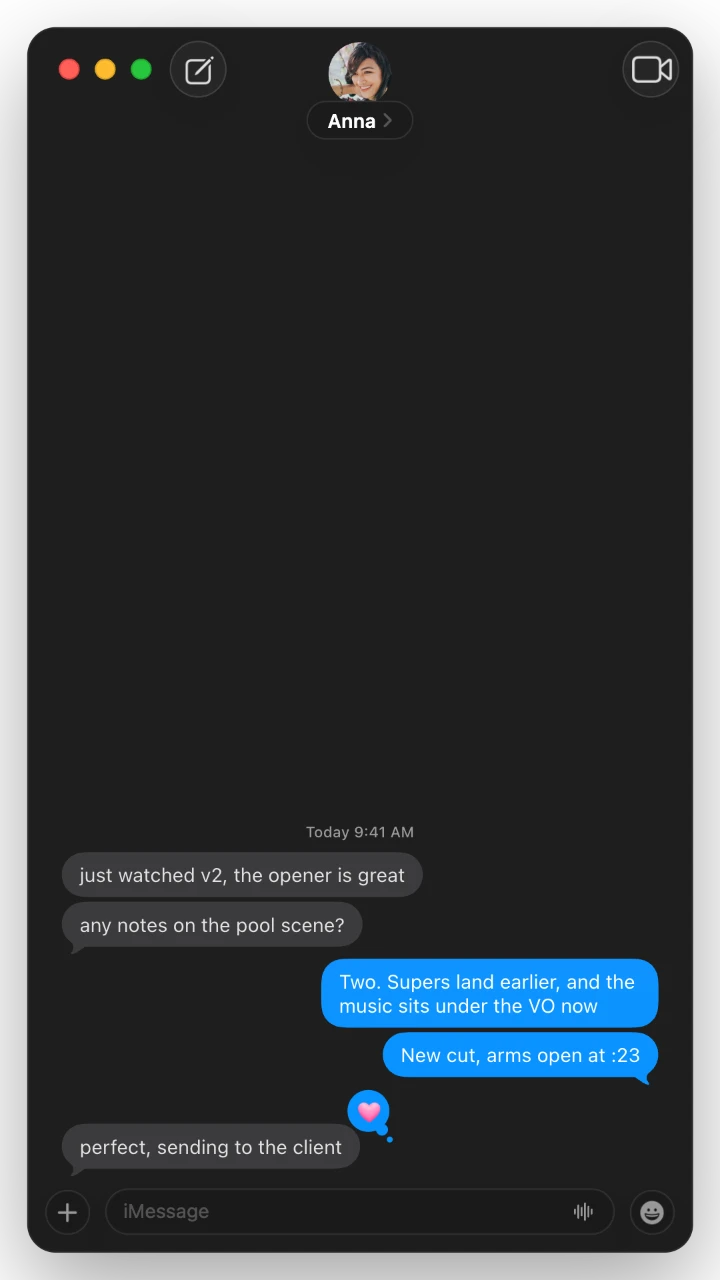
Send a link. Comments land on your timeline, and the agent can answer them.
 Frame.ioShade
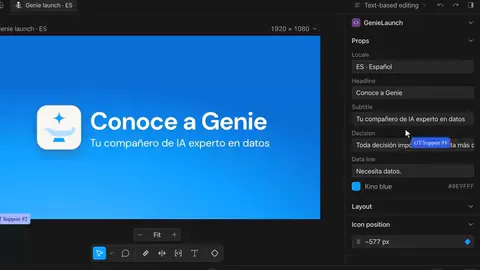
Your agent is great at motion graphics and animation in Kino. Built upon Remotion and optimized for fast playback, you can also tweak any detail within Kino’s “what you see is what you get” editor.
Make this vertical, follow speaker, use roto and branding.
the firmware of each instrument
Manage many variants of your video and ask the agent to one-shot each.
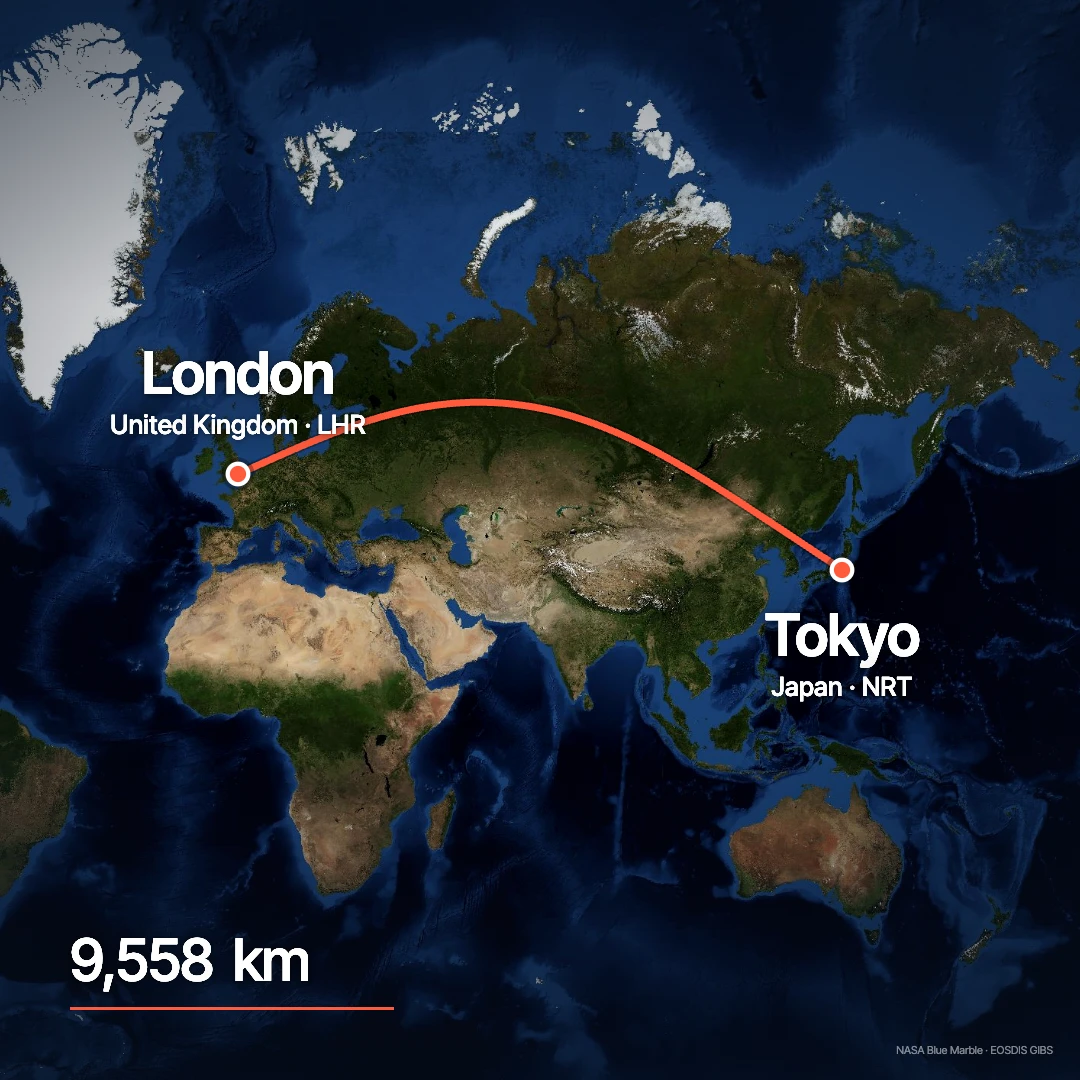
Start with craft. 100+ templates: titles, maps, captions and transitions. Bring them in or ask your agent to take inspiration from them.
Every creative decision is exposed to you and your agent.








Every clip is transcribed, described shot by shot, and knows who’s in it.

Save a filter and it becomes a smart bin that fills as footage arrives.


A001


 A001_C003_0411K2_001.R3D
 A004C012_240311_R1QF.braw
 A004C012.V1.6F2A1.mxf
 A012C007_INTERVIEW.movARCHIVE_1998.aviC0161.MXFLOWER_THIRD_ALPHA.movTAPE_0042.avi
RED, Blackmagic RAW, ProRes, DNxHR and MXF play as the camera or Avid wrote them.
Media offline
メディアオフライン
Média hors ligne
Offline-Medien
脱机媒体文件
Medios sin conexión
Oggetto multimediale non in linea
미디어 오프라인
Медиаданные в автономном режиме
Mídia offline
 VID_20260920_172713_010.insv
Every clip streams from Kino, so a project opens the same on any machine.
No account needed.
You or your agent fix it.
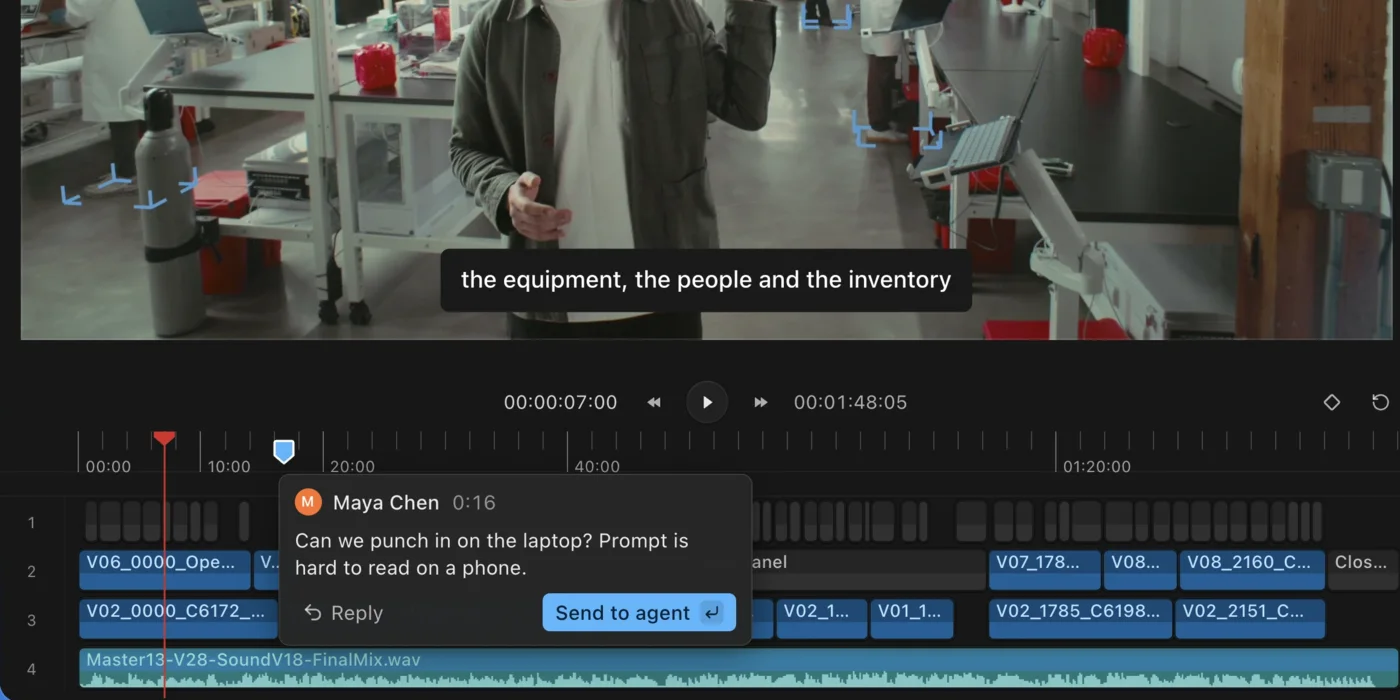
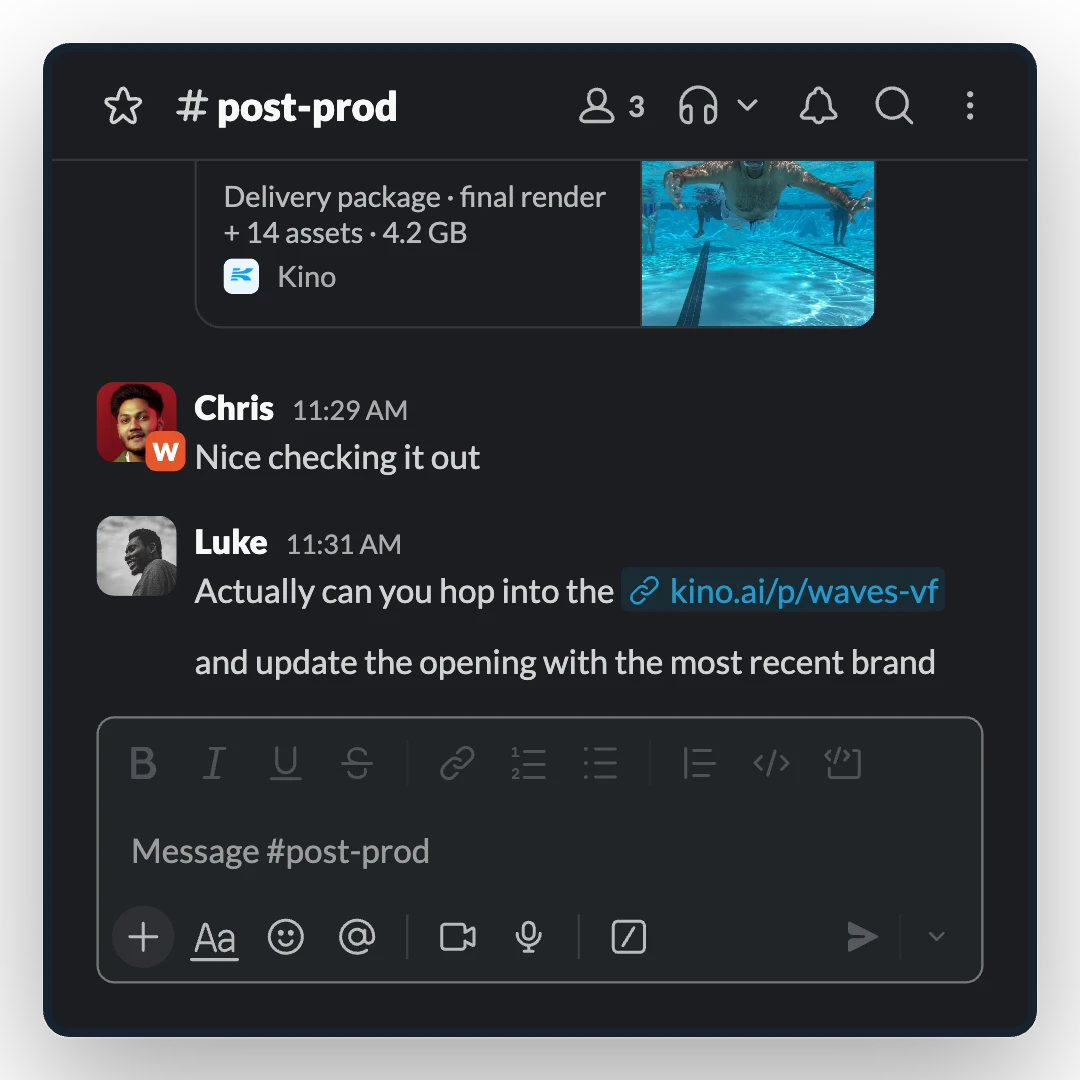
Paste a render for review, share every asset as one package, or hand a node to your agent.
“It’s phenomenal, man. This is the most fun I’ve had at video editing. The MCP just feels so natural.”
 Cole DumanskiLanceDB
I’m on an absolute roll with content at the moment. I put out three times more videos now that I’ve switched from Final Cut to Kino.
 Jayden ClarkHost of MOTS, saxophonist
“Kino is the infrastructure. I put all of my content in and it gets me more B-roll. Opus one-shots stuff, I tweak it in the editor, and I send the share link to my co-founder. He comments “mouth is off” and Kino auto-applies the comments. We’re pumping out short-form ads that are having real ROI for our business.”
 Khoi LeFounder, Kerry
“There were six agent chats going, and the two of us were working on different parts of the timeline. I was like, okay, this is the thing. It all happens underneath you, and you’re the creative director working with swarms of agents.”
 Donald JewkesTechnologist and filmmaker
Kino is one-shotting demo videos with motion graphics for me. It feels like I have a full team working on every video. Plus I can see everything my company makes and leave notes on it.
 Wilson SpearmanFounder, CreativeMode
We just had the most productive editing session we’ve ever had, in large part thanks to Kino. Turned around this insane edit in 24 hours.
 ShivaActor, director, creator of KRAZAM
It’s a breakthrough, especially combined with the newest Opus. You can prompt a lot, but you as the editor are always in control and can edit every second, like in Premiere.
 Michał SzklarskiReadyM
I give the agent ambitious things and Kino just knows what to do. It searches YouTube, cuts all the silence, it all just works. I love it.
 TanishqFounder, Cashew Labs
I dumped in an 18 minute clip I’d spent an hour cutting, said “cut this,” and it did a first pass in a minute. It made a rough cut that would have taken me 3 hours. I don’t shut up about Kino.
 Jakob LeveilleVoltra
Your footage, your edit and your review notes in one place.