Kino Transcode
Convert footage straight off a cinema camera or out of Avid to H.264 MP4 or ProRes MOV. It runs in this tab, and nothing is uploaded.
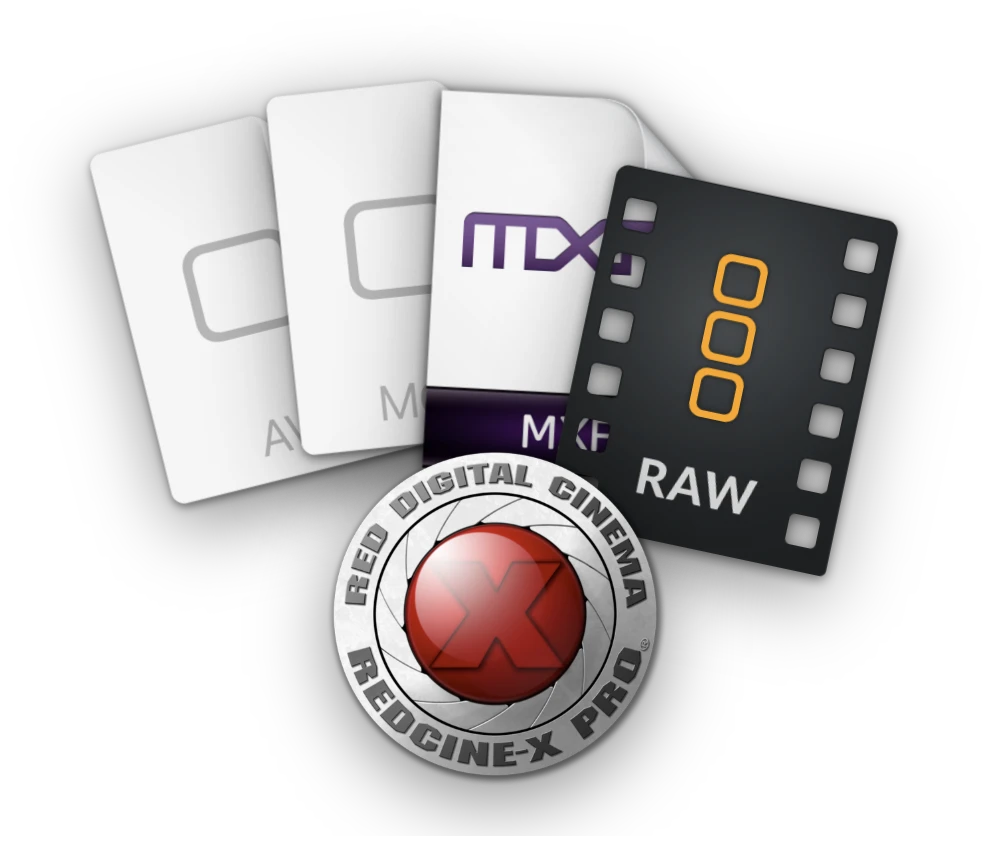
Whatever the camera wrote, it opens.
.braw
Blackmagic RAW
From Blackmagic cameras, developed with the ISO and white balance the camera recorded.
.R3D
REDCODE RAW
From RED cameras, developed with the clip’s own ISO and white balance.
.mov
Apple ProRes
Every profile from Proxy to 4444 XQ, plus the H.264 and HEVC an iPhone writes.
.mxf
Avid DNxHR and DNxHD
Even OP-Atom, straight out of an Avid MediaFiles folder. We were surprised too.
.avi
DV, DivX, Xvid and Motion JPEG
Tape captures, early digital cameras and old rips.
.mp4
H.264 and HEVC
Phones, drones and screen recordings.


A001


 A001_C003_0411K2_001.R3D
 A004C012_240311_R1QF.braw
 A004C012.V1.6F2A1.mxf
 A012C007_INTERVIEW.movARCHIVE_1998.aviC0161.MXFLOWER_THIRD_ALPHA.movTAPE_0042.avi
Drop a batch of clips.
Each one lines up under Your clips. Open one, mark a range if you need part of it, and save.
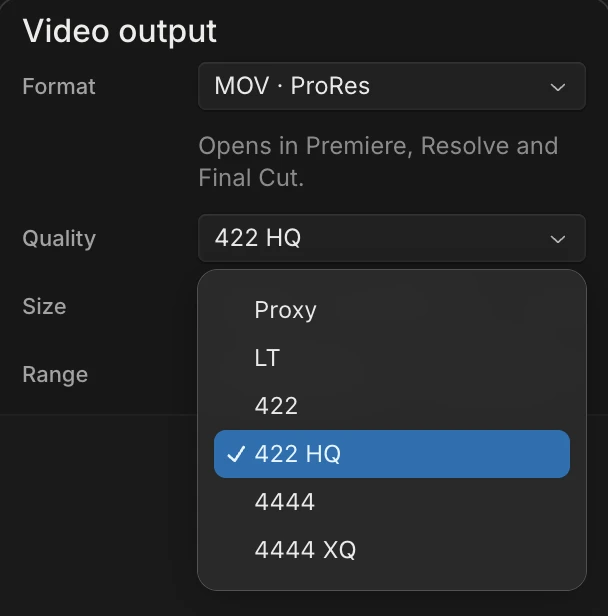
ProRes in, ProRes out.
At the original size, 10-bit Rec.709 ProRes and DNx stay 10-bit.
How to convert BRAW, R3D, ProRes or DNxHR to MP4
- Choose files or drop a clip into Transcode: Blackmagic RAW (.braw), RED (.R3D), ProRes, DNxHR or DNxHD, MXF (including Avid OP-Atom), AVI or MP4.
- Preview the clip. Set in and out if you only need a section, or keep the whole clip.
- In Output, choose MP4 · H.264, pick the original size or a smaller one and the quality, then save. Choose MOV · ProRes instead if you need a ProRes file for another editor.
Your footage stays on your device during conversion. No upload or account is required.
Saving, audio and color
In Chrome and Edge you pick where to save first, and the file is written there as it converts. Other browsers download it when it finishes. Audio is copied when the whole clip is saved in a matching codec, and re-encoded otherwise (AAC in MP4, PCM in MOV).
Every file is tagged Rec.709. Saved as ProRes 422 at the original size, a 4:2:2 source tagged Rec.709 keeps its 10-bit planes, and ProRes 4444 does the same for 4:4:4. Other conversions, untagged sources, and RED and Blackmagic RAW, which are developed here, pass through 8 bits per channel.
The sample footage includes Light House 02 by Vincent Wolf (CC BY 4.0) and Corporate Cloud Time Lapse by Jeffrey Beach (CC BY 3.0), both trimmed, and Hermes506 Montage by Hermes506 (public domain).
Also free: Filmstrip finds the cuts in a video.
Transcode is made by Kino, a video editor you can work in with Claude Code or Codex. Your footage, your edit and your review notes live in one place.
Known limitations
- For ProRes footage, use a recent version of Chrome or Edge.
- HDR (PQ or HLG) and wide-gamut (BT.2020 or P3) video opens but can’t be converted yet. That includes most iPhone HEVC, which is HDR by default.
- MPEG-2 video, which some time-lapse and broadcast cameras record, doesn’t open.
- Cinepak AVI and MPEG-1 .mpg files don’t open.
When a file doesn’t open or convert, Report this file next to the error sends it to us, with the file if you choose.
Make your next video in Kino.
Your footage, your edit and your review notes in one place.