Brand matching
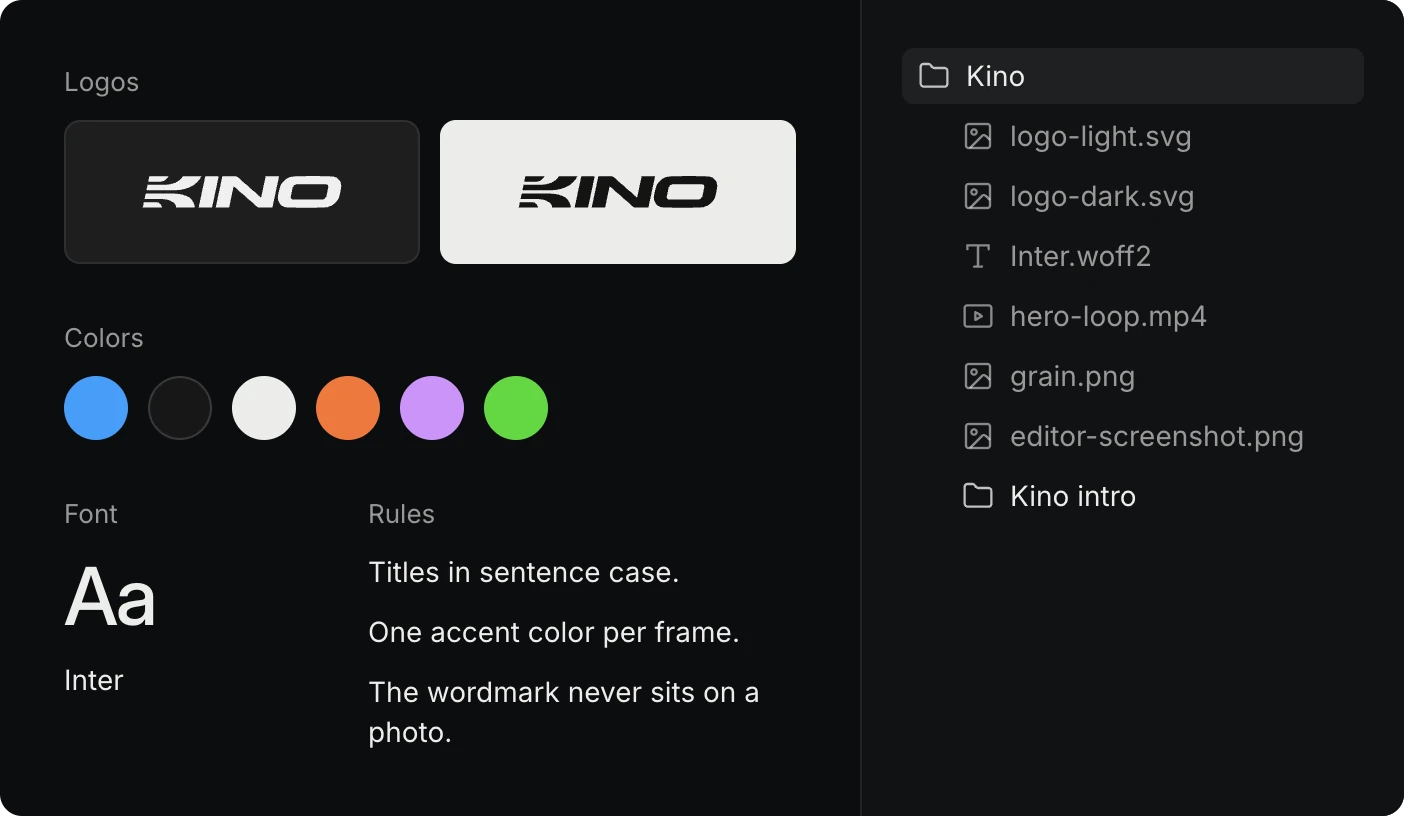
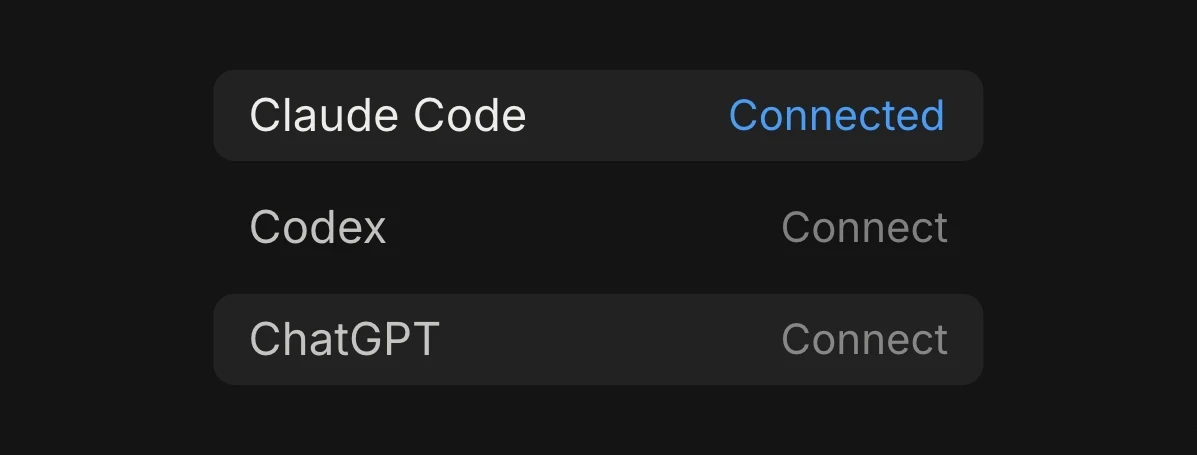
Give the agent a company’s website and it builds a brand kit from it: the logos, fonts, colors and product photos. The agent does this through the Kino desktop app, so keep it open while it works.
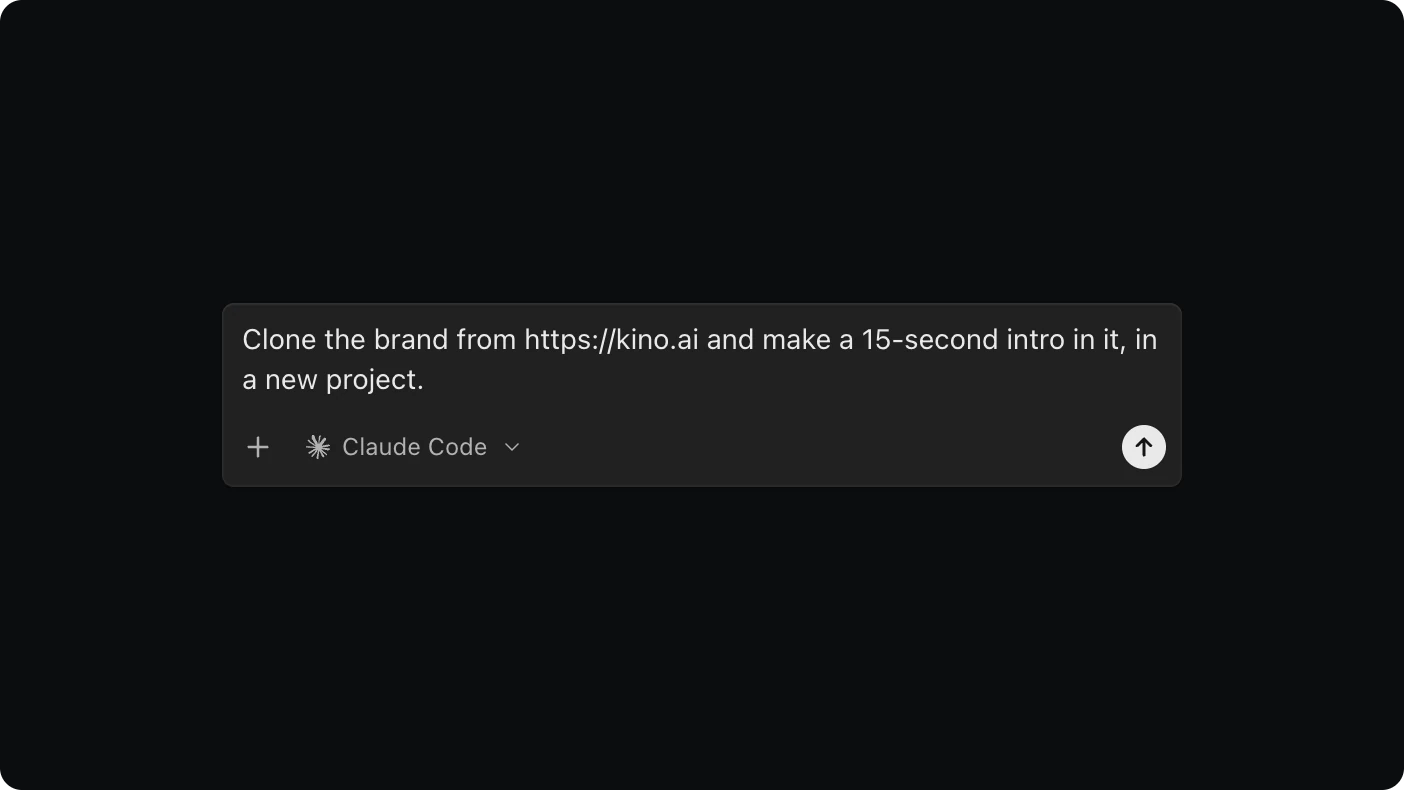
Clone the brand from https://yourcompany.com and make a 15-second intro in it, in a new project.
What the agent builds
The agent reads the site’s pages and styles and downloads its logos, fonts, images and videos. From those it builds a brand kit: the logos recolored for light and dark backgrounds, the color palette, the fonts, textures, and a few rules for using them. If the site uses a licensed font, the agent picks the closest Google Font instead.
Everything goes into a bin named after the brand, and the brand is saved for your team under Your brands in Templates.