Footage and storage
Kino transcribes every clip, describes each shot and recognizes the people in it.
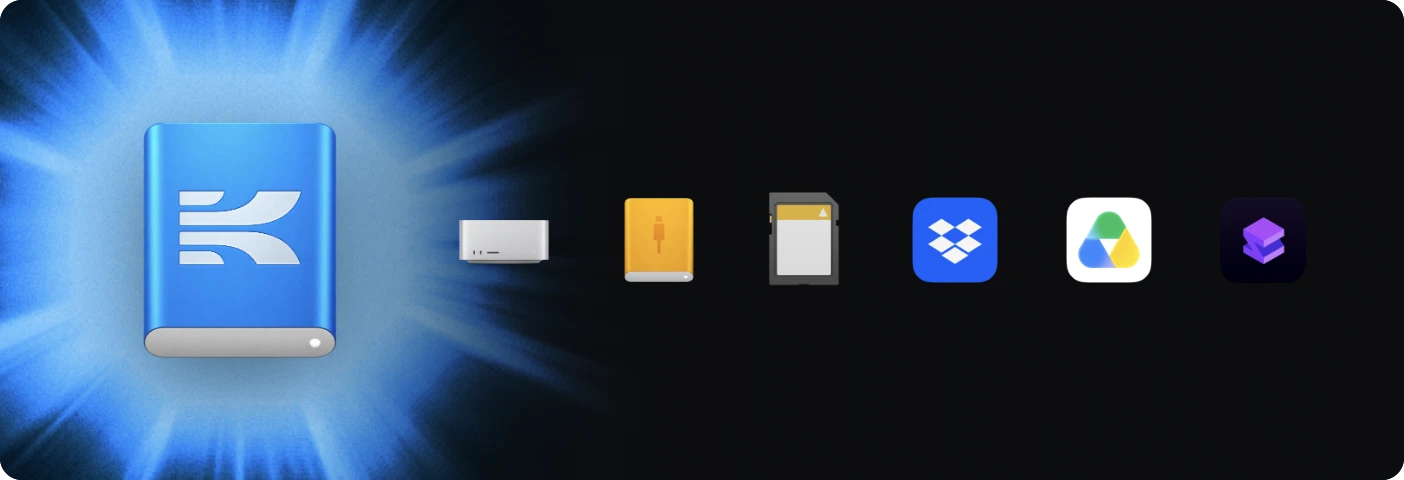
Kino keeps a 720p proxy of every clip in the cloud by default, so your team can play it on any computer. Originals stay on your drive until you upload them.
 Original
You, with the drive
720p proxyEveryone else
To upload an original, right-click the clip in the library and choose Upload original.
Pro media formats
These formats play in Kino without transcoding.


A001


 A001_C003_0411K2_001.R3D
 A004C012_240311_R1QF.braw
 A004C012.V1.6F2A1.mxf
 A012C007_INTERVIEW.movARCHIVE_1998.aviC0161.MXFLOWER_THIRD_ALPHA.movTAPE_0042.avi
- Apple ProRes
- 422 Proxy, 422 LT, 422, 422 HQ, 4444 and 4444 XQ, with alpha in the 4444 family
- Avid DNxHD and DNxHR
- All common profiles, including OP-Atom
- Blackmagic RAW
- All compression settings, constant bitrate and constant quality
- REDCODE RAW
- V-RAPTOR, KOMODO and the RED2 generation. Older RED sensors aren’t supported
- H.264 and HEVC
- Including inside MXF
- Motion JPEG, DV, DivX and Xvid
- Legacy camera and archive footage in AVI, including DivX 3
Exports render to H.264, HEVC, VP9, AV1 and ProRes. ARRI RAW and Canon Cinema RAW Light aren’t supported.
Search and filter your library
Type in the search field at the top of the media panel to find clips by what’s said in them or what’s on screen. Each clip marks where the match is on its strip, and Add to timeline puts just those moments on your timeline. Choose Says or Shows to search only the transcript or only the picture, and add a person to find the clips they’re in. ⌘K searches transcripts, people and bins across your whole organization.

Click Filter to narrow the library by type, duration, codec, camera, lens, frame rate, shoot day and more. Each value shows how many clips have it. Save a filter and it becomes a smart bin in your bin tree, which fills in as new footage arrives.

When the drive isn’t connected
Kino plays from the proxy.
Upload the originals to let your teammates render in full quality.
Media offline
メディアオフライン
Média hors ligne
Offline-Medien
脱机媒体文件
Medios sin conexión
Oggetto multimediale non in linea
미디어 오프라인
Медиаданные в автономном режиме
Mídia offline
 A012C004_surf.braw
Storage per plan
Proxies, uploaded originals and imports from Dropbox, Google Drive or Shade count toward storage; originals on your own drives don’t. See the plan comparison for allowances.